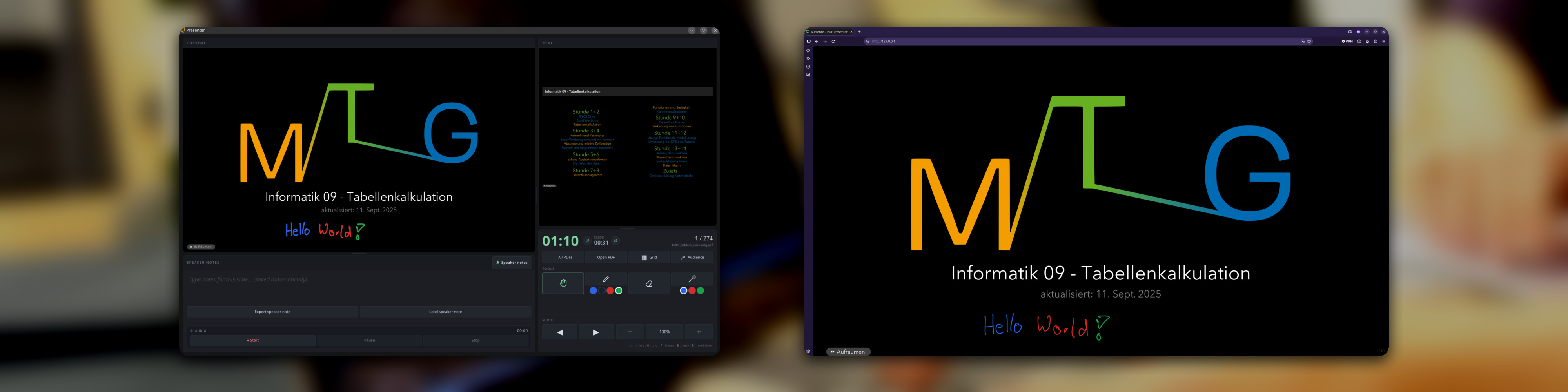
PDF slides with presenter mode, shared over the network
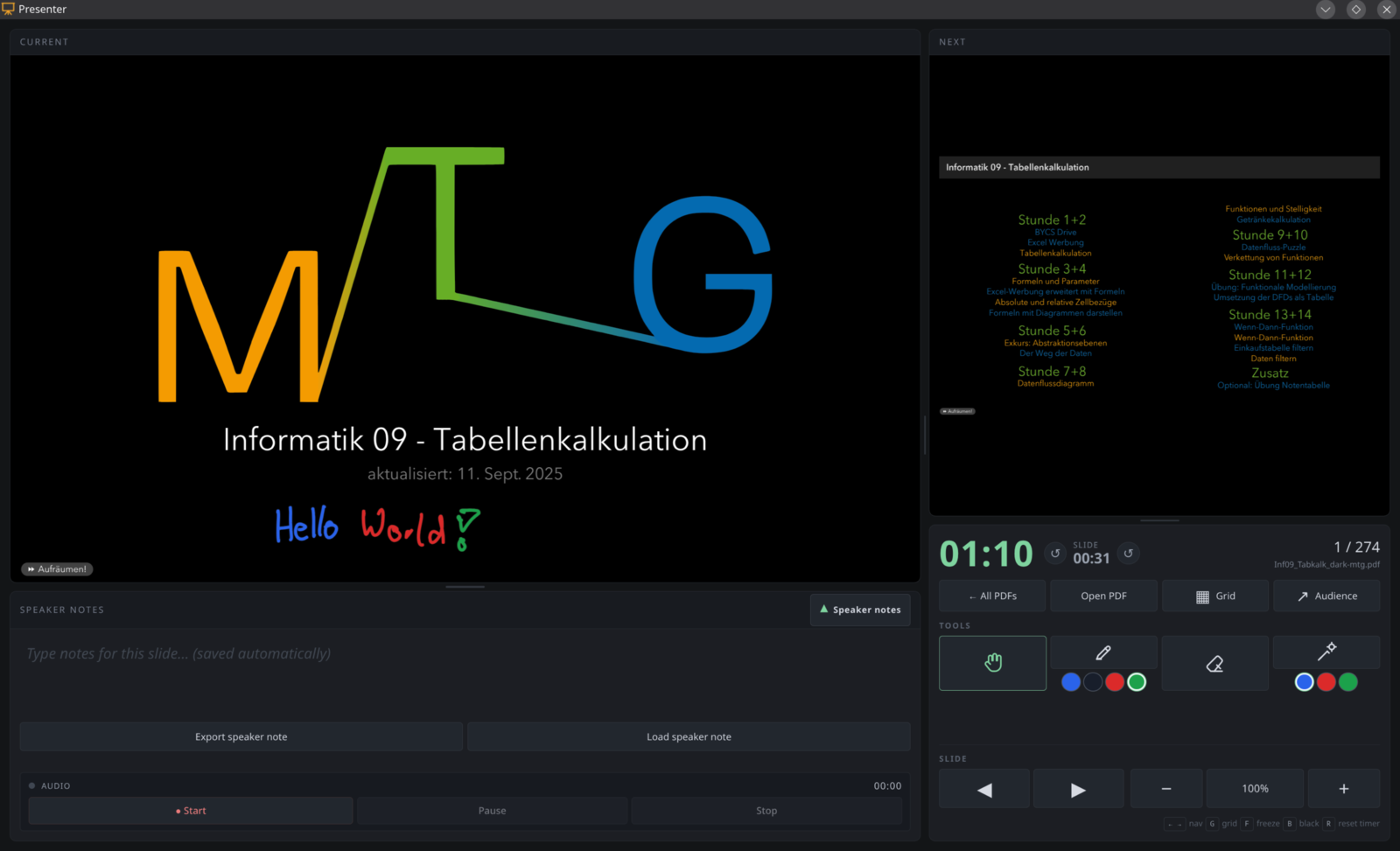
Point it at a PDF (e.g. a Beamer presentation) and present in the browser: speaker notes, next-slide preview and timers for you, the plain slide for the room. Any device on the same network, like a projector PC, a smart board or students’ tablets, opens the audience view and follows live.
Code at Github: ValentinHerrmann/pdf-presenter-network
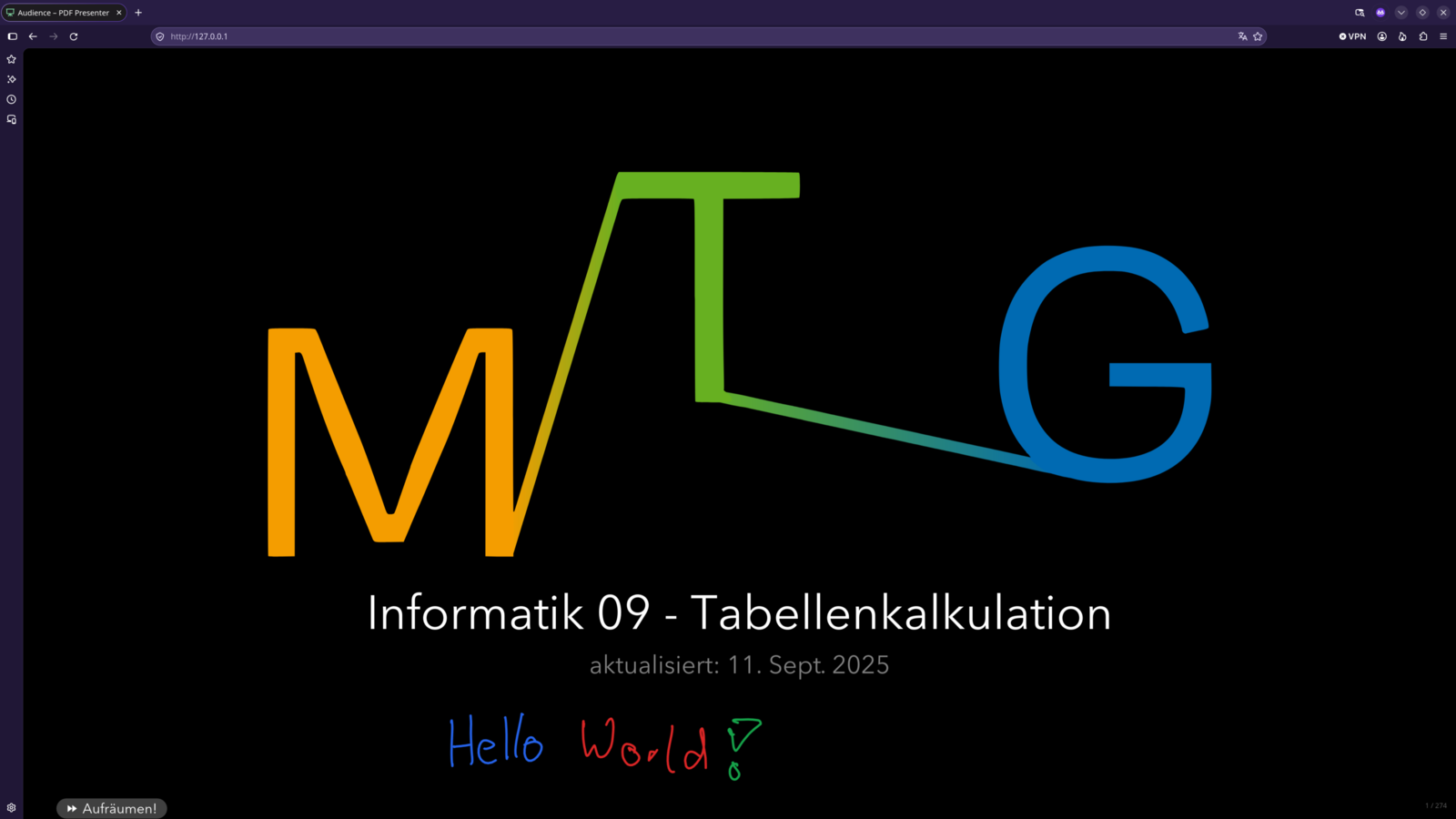
http://<presenter-device>/, in any browser.A fork
This is a fork of htlin222/pdf-presenter by Hsiehting Lin. The presenter view with notes, next-slide preview and timer is his work. Upstream syncs only between windows of one browser; my fork makes it work for a whole classroom.
My contribution
- Network sync through a WebSocket on the server, so every device on the LAN can follow. Also works on restricted school networks.
- Always-on server: the root URL is an audience view with a waiting screen. The presenter picks a PDF from a directory listing or uploads one.
- Annotations: pen with colours, eraser and laser pointer, shown live on every audience screen. Drawings survive a reload of the presenter and stay erasable.
- Zoom and pan, synced to the audience, and clickable links inside the PDF.
- Timed slides: Beamer
\transduration{seconds}pages advance automatically. - Per-slide timer next to the overall timer.
- Clicker support: Left/Right, Up/Down, Page Up/Down and Space all change slides.
- Stop presenting: ends the talk with one button. Audience screens switch to the waiting screen and close; the presenter goes back to the PDF list for the next talk.
- Linux desktop app: a systemd service on port 80 (
http://<hostname>/), an app-menu entry, and a one-line installer from GitHub releases. Closing the app window asks whether to stop the service too; the next launch starts it again. - Updates from the UI: the presenter and the PDF list show an Update button on the presenter PC when a new release is out. One click installs it and restarts the server.
# Install
curl -fsSL https://github.com/ValentinHerrmann/pdf-presenter-network/releases/latest/download/install.sh | sh
# Update from a terminal
pdf-presenter-update
# Uninstall
curl -fsSL https://github.com/ValentinHerrmann/pdf-presenter-network/releases/latest/download/uninstall.sh | sh